How Smart Document Scanning Technology Is Revolutionizing the Way We Manage Paperwork
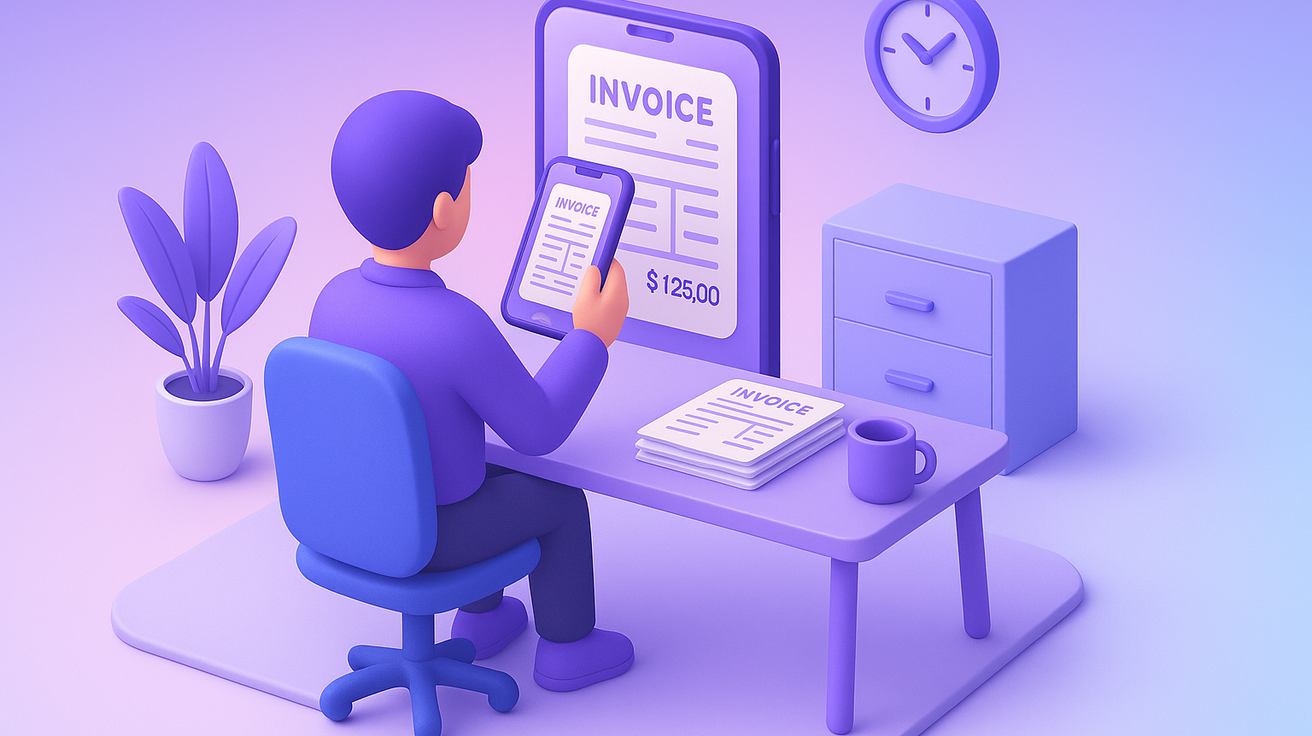
Paperwork is one of the few constants no organisation escapes. Invoices, delivery orders, claim forms, contracts and identity documents arrive by post, by email attachment and by phone camera, and someone has to read them, file them, and key the contents into a system that can act on them. For most teams the cycle never really ends: find the document, scan it, name it, save it somewhere, then retype the same values into an application that was never connected to the scanner in the first place.
Smart document scanning is the practical way out of that loop. It is not simply a faster photocopier. It is the combination of capture hardware, optical character recognition and machine learning models that read a document, work out what kind of document it is, extract the fields that matter, and hand structured data to the system that needs it.
This post covers what the technology actually does, how AI changed the economics of it, which features are worth paying for, and where it fits in a working back office.
What Smart Document Scanning Technology Is#
At its simplest, smart document scanning digitises paper and stores the result somewhere durable, usually cloud object storage. That much has existed for decades. What makes the current generation different is everything that happens between the scan and the storage.
A capable system will convert a page image into a searchable PDF rather than a flat picture, so the text inside it can be found later without anyone having tagged it. It will read barcodes and QR codes off packing slips and labels. It will pick out the values a downstream process actually needs, such as an invoice number, a date, a total, a supplier name or a policy reference. And it will compress the output sensibly so that a decade of archived documents does not become a storage line item nobody wants to explain.
The shift worth noticing is the shift in output. Traditional scanning produces a file. Smart scanning produces data. A file still needs a human to open it and read it. Data can be routed, matched, validated and posted without anyone opening anything.
How AI and Machine Learning Power Smart Document Scanners#
The change that made this practical was the maturing of machine learning models for vision and language. Older capture systems worked from templates: you told the software that the invoice number sat in a fixed rectangle in the top right, and it read that rectangle. That approach worked until a supplier changed their layout, and it needed a new template for every document format you received.
Modern systems learn the shape of a document class instead of the coordinates of a box. They classify an incoming file, decide it is a purchase invoice rather than a delivery note or a bank statement, and locate the fields by context, the same way a person does. That is why they cope with a supplier who moves their logo, or with a photograph taken at an angle on a phone, or with a form that has been filled in by hand.
Three capabilities do most of the work in practice:
- Classification. The system sorts documents by content rather than by filename, so filing happens automatically and consistently.
- Extraction. Named fields are pulled out as values, ready to be passed into an accounts payable system, a claims workflow or a customer record.
- Handwriting and low-quality text recognition. Scanned forms, signed delivery notes and creased receipts that would previously have gone to a person now clear the machine on the first pass more often than not.
The knock-on effect is that document capture stops being a data entry job and becomes an exception-handling job. Instead of studying every document, a person reviews the ones the model was not confident about. That is a materially smaller queue, and it is the queue where human judgement is worth paying for.
Why Smart Document Scanning Matters for Businesses#
Paperwork piles up quietly. Documents go missing, filing conventions drift between people, and the same invoice gets chased twice because nobody could confirm it had been received. Optical character recognition and AI-based classification address the root cause rather than the symptom, because they remove the manual steps where the drift happens.
The concrete advantages are worth stating plainly:
- Less manual handling. Removing keying and filing frees the team for work that needs a person, including the exceptions the model flags.
- Lower document costs. Paperless processes cut the spending tied to physical storage, printing, courier and postage.
- Fewer errors. Automated sorting and indexing avoids the transposed digits and misfiled documents that manual entry produces at volume.
- Better security posture. Digital copies with access controls and audit trails remove the risk that sits in an unlocked filing cabinet or a document left on a desk.
- Faster responses. When a document is searchable the moment it arrives, answering a customer or auditor query stops being an archive expedition.
None of this is exotic. It is the ordinary compounding benefit of turning an analogue step into a digital one and connecting it to the systems either side.
Key Features of Smart Document Scanners#
Feature lists in this space are long and largely interchangeable. These are the ones that change how the system feels to use.
Automated Feeding#
Batch feeding lets the device take a stack and separate it into individual documents, rather than one page at a time. In a back office that receives post in bulk, this is the difference between a task somebody starts and a task somebody finishes.
Consistent Image Quality#
Deskewing, despeckling and contrast correction happen before recognition runs. Image processing sounds like a cosmetic concern, but it is not: recognition accuracy is downstream of image quality, and a system that cleans pages automatically produces fewer exceptions than one that faithfully captures a crooked, shadowed page.
Security Controls#
Encryption in transit and at rest, network segmentation, and role-based access to the resulting documents. If the scanner writes straight to a cloud store, the controls on that store are part of the scanning system whether or not the vendor describes them that way. Ask where documents land and who can read them.
Integration Points#
A scanner that produces excellent structured data and then leaves it in a folder has moved the problem rather than solved it. The feature that determines whether any of this pays off is whether extracted data can reach the system of record directly, through an API or an event, without a person acting as the bridge.
How Smart Scanners Streamline and Automate Paperwork#
Once documents arrive as data, whole steps of familiar processes disappear rather than getting faster. The common ones:
- Automated filing. Documents are stored under the right classification as they arrive, so the filing convention is enforced by the system rather than remembered by a person.
- Automated data entry. Extracted values flow into accounts payable, claims or onboarding systems directly, which is where most of the recovered time comes from.
- Digital signature capture. Signatures on forms and legal documents can be captured and attached electronically, keeping the signed artefact and its metadata together.
- Document security and retention. Encryption, access logging and retention rules can be applied uniformly, which is far harder to do with physical files.
Portability matters too. Capture no longer requires a dedicated device on a desk; a phone camera in the field, at a delivery point or in a branch is often sufficient, and the same models handle the result.
Where the Technology Fits#
Smart document scanning is at its best where documents are high in volume, reasonably repetitive, and feed a process with clear rules. Accounts payable is the standard first case for exactly that reason: many invoices, a stable set of fields, and an obvious match against purchase orders and receipts. Claims intake, onboarding and know-your-customer packs, delivery confirmations and expense processing all share the same profile.
It is a weaker fit where every document is genuinely unique, where the decision requires reading and interpreting long-form prose, or where volumes are low enough that a person handles the whole queue in a few minutes a week. Knowing which of these you have is most of the work in scoping a project, and it is worth doing before selecting a vendor rather than after.
What This Means in Practice#
Document capture has moved from a filing exercise to a data pipeline. That reframing is the useful part. Treat it as a filing exercise and you get a tidier archive. Treat it as a pipeline and you get structured data arriving in your systems continuously, with a person reviewing only what the model could not resolve.
The sensible way to start is narrow: pick one document type with real volume, measure how long it currently takes end to end, and automate that path completely before adding the second. A single process running unattended teaches you more about your own documents, and about how your team wants to handle exceptions, than a broad rollout that never fully lands anywhere.
If you are weighing that up for a specific process, our Finance Operations solution covers how we build capture, extraction and exception handling as one pipeline, and there is more on classification, extraction and downstream automation in our AI document processing hub.
As an AWS Premier Partner with the AWS Generative AI competency, we build this inside your own AWS account, so your documents and extracted data stay under your control. If you want to walk through your own document workflow and where automation would actually pay off, book a discovery call.